Blog #3
________________________________________________________________________
Designing for Everyone: Reducing Barriers in Solving for Why
Our learning design “Solving for Why” includes six activities: video walkthroughs, drag-and-drop matching, build-your-own scenario, interactive parameter sliders, a misconception challenge, and peer discussion via Nearpod. Each of these learning activities was designed with real world connection in mind, and I found that two of them have barriers I’d like to address: video walkthroughs and build-your-own scenarios.
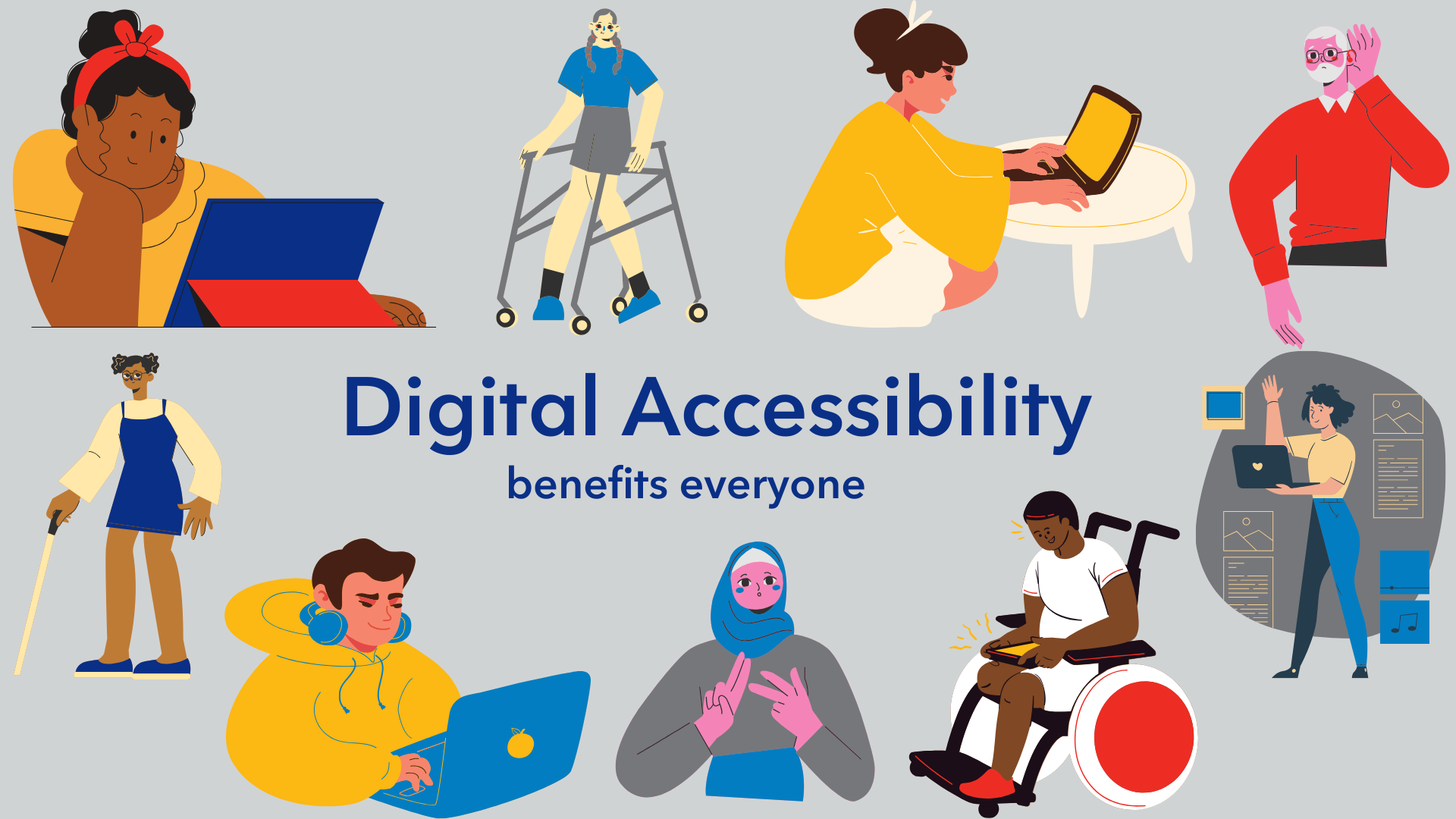
The plan for video walkthroughs is currently audio centred, meaning students with hearing loss or English language learners could be significantly disadvantaged. Our plan is for each video to play out a real-world scenario visually, like a pizza being split among friends, with the equation forming alongside the action. While they will be heavily visual, there will still be an audio aspect to it explaining what is happening on the screen. This is a barrier in the “what” of UDL, or multiple means of representation (CAST, 2018). Since the content is only accessible in one format, the fix we can implement from the start is adding captions to every video.
Our next learning activity, build-your-own scenario, will ask students to write their own real-world word problems given an equation. For students with dyslexia, writing difficulties, or those still developing English proficiency, writing would be a barrier. It falls under the “how” of UDL, or multiple means of action and expression (CAST, 2018). To help students from the start we can allow voice recording as an alternative response to remove that barrier while keeping the cognitive challenge present and intact.
Both of these fixes would do more than just remove barriers, they would improve everyone’s experience. Captions help students in distracting environments as well as those who simply process text better than audio, and voice recording reduces pressure for all students, not just those with writing difficulties. These changes will help integrate students in a broader environment, and ensure equity for all in our learning design, because algebra already has a reputation for being exclusionary, and our design choices are a chance to push back against that.
Resources:
CAST. (2018). Universal design for learning guidelines version 2.2 [Graphic organizer]. https://udlguidelines.cast.org/static/udlg_graphicorganizer_v2-2_numbers-no.pdf
Hey Sasha, this was a really solid breakdown and honestly the voice recording fix for the build-your-own scenario is such a good catch. I hadn’t really thought about how writing the scenarios could be a barrier on its own, but you’re right that for ELL students or anyone with dyslexia it adds a whole extra layer of cognitive load before they even get to the algebra.
Your point about captions helping everyone, not just students with hearing loss, also stuck with me. I think this kind of fits with what I wrote about in my own Blog 3 where I zoomed out to barriers in the environment itself like internet access and the platform language. Between activity-level fixes (yours) and environment-level fixes, I feel like we’d actually cover most of the bases for inclusive design. Were there any other activities from our six that you almost included but cut for the post? Curious if anything else stood out to you.